Backup / Restore
Downloads every power toy’s enabled flag and settings as one JSON file, or restores them from a file produced by that download.
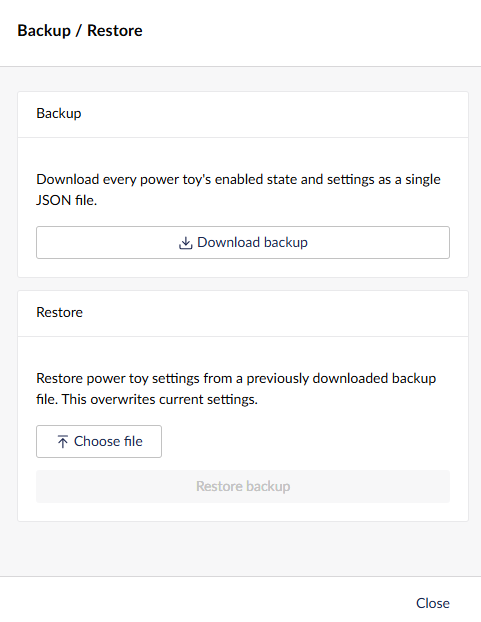
Use Download backup to save the current settings for every power toy to a single JSON file.
Use Choose file and Restore backup to load settings from a previously downloaded backup. Restoring overwrites the current enabled state and settings for every power toy and can’t be undone, so you’re asked to confirm before it happens.